Background / Why This Project Was Started
The EVPLAY unit was purchased after quite a bit of effort, but unfortunately it turned out to be built more like a “student edition” prototype — assembled from whatever components happened to be available, with very little attention paid to overall system stability.
In real-world use, the system was extremely unstable: it suffered from lag, freezes, random crashes and unreliable operation, making it difficult to use on a daily basis.
One of the main problems was the operating system. The unit came with a custom Android 12 build that was not properly adapted for the Orange Pi 5 Pro hardware. The kernel was missing proper support for some of the hardware, including the external Wi-Fi interface, which resulted in very poor and unreliable Wi-Fi performance.
On top of that, the system depended on a proprietary EVPLAY application. This software was responsible for scanning the touchscreen coordinates over I²C and passing them through to the Android system.
Unfortunately, this added another major layer of dependency and instability. The main EVPLAY software itself was not reliable enough to operate as a proper daemon, so an additional application was required just to act as a watchdog and restart or monitor the main application in case it crashed.
In other words, there was software monitoring software that was already compensating for unstable software — an unnecessarily complicated solution for functionality that should be handled at hardware level.
There was also the additional dependency on the EVPLAY ecosystem, including subscription payments and reliance on their specific Android release.
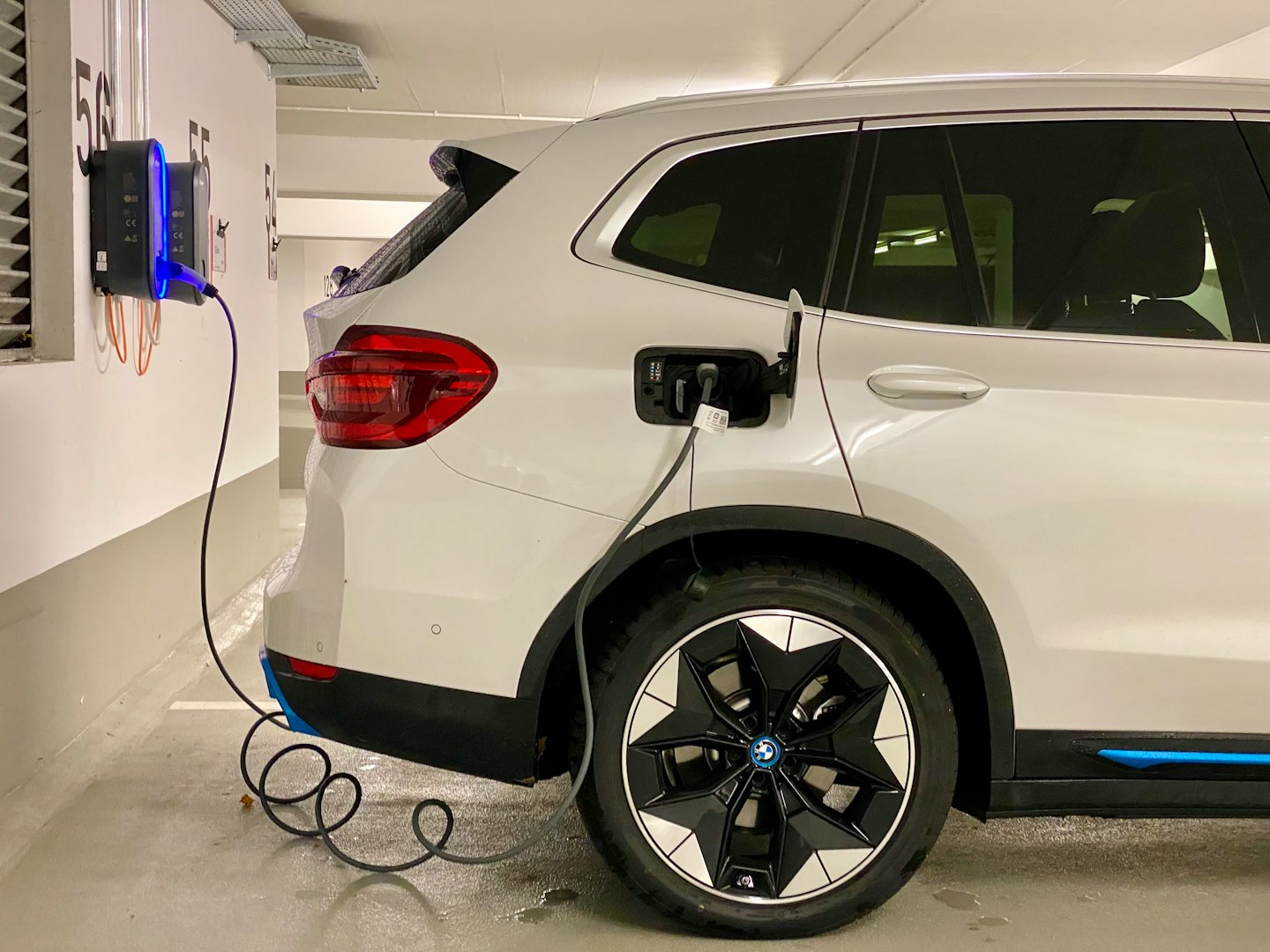
This conversion kit is designed for RIVIAN R1S and R1T vehicles using the EVPLAY Android unit.
The original EVPLAY solution is tied to EVPLAY hardware and depends on a specific fixed Android release, rather than being able to use the official and regularly updated Orange Pi 5 Android releases.
To solve this limitation, I designed a dedicated adapter board that handles the integration between the Rivian display, the vehicle, and the Android system.
The adapter board:
- Receives touchscreen coordinates directly through the LVDS/I²C interface and fully emulates a standard USB touchscreen for Android.
- Handles HDMI initialization and control.
- Monitors and analyzes the vehicle CAN bus.
- Automatically switches the display LVDS input between the original Rivian vehicle system and the Android system.
- Allows the Android hardware/software platform to be separated from the original EVPLAY implementation.
This makes it possible to build the system around an Orange Pi 5 and use official Android releases instead of depending on EVPLAY’s fixed Android firmware.
More details and photos below:
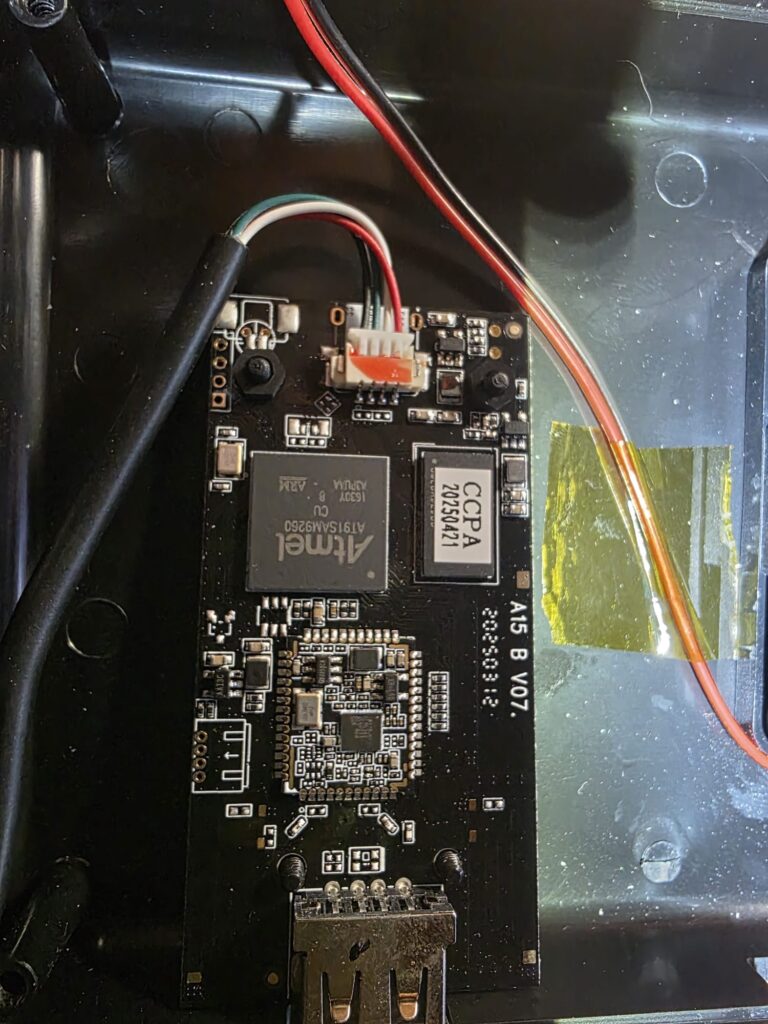
Original unit wiev: (student solution 🙂 )
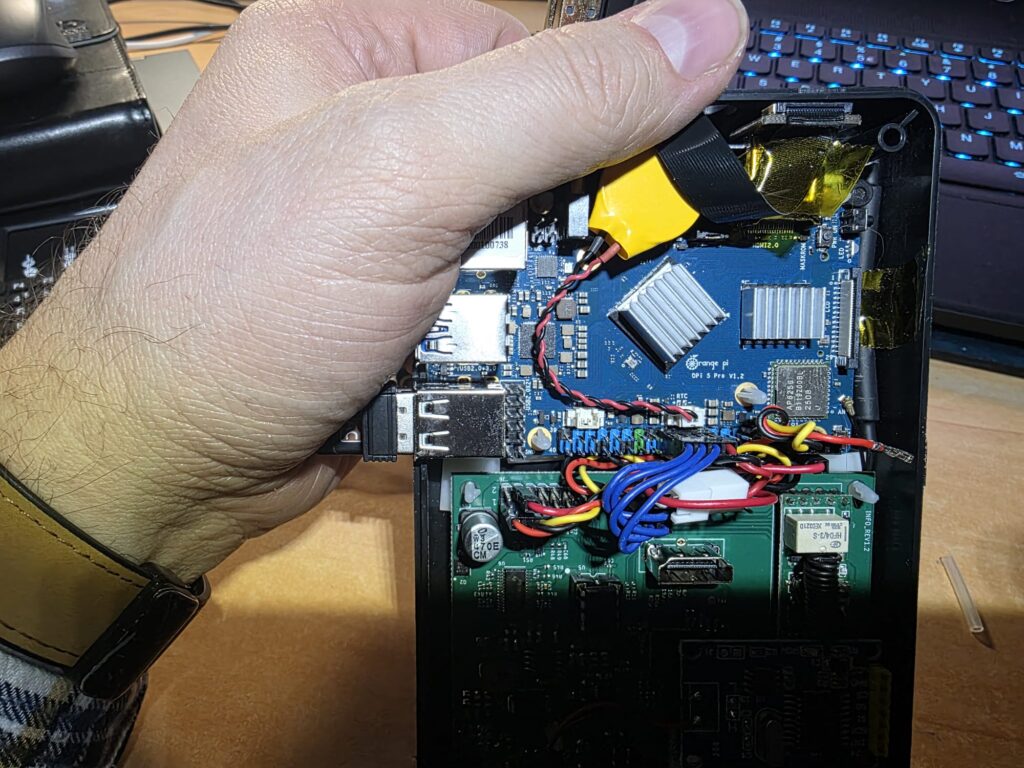
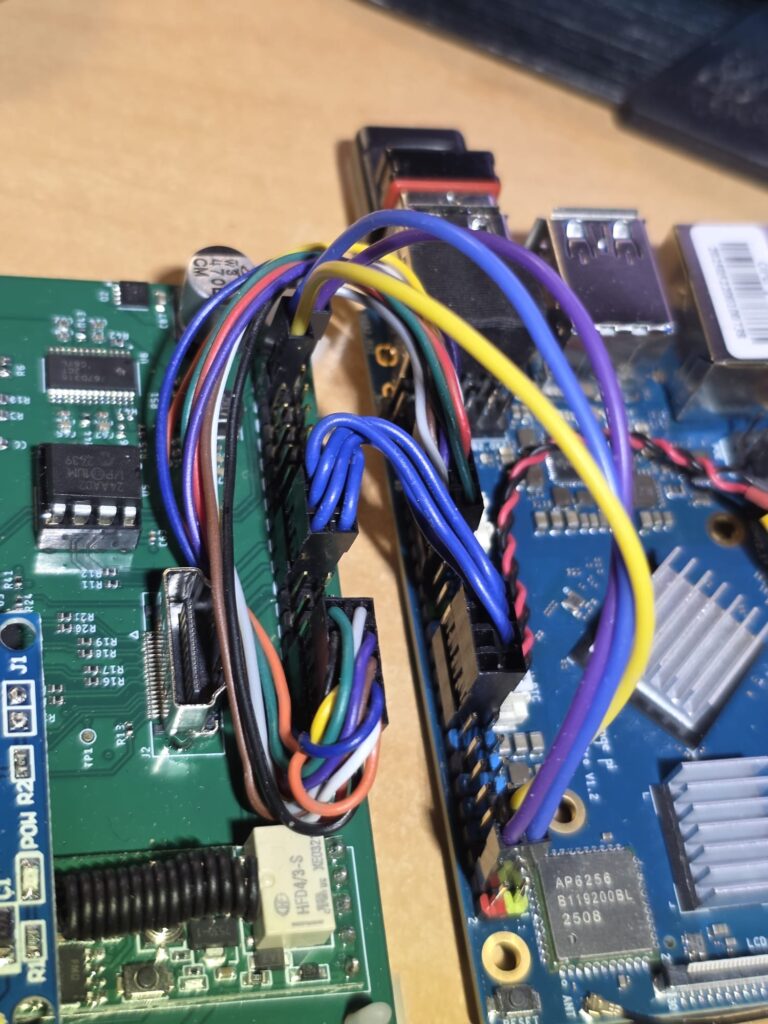
Developping process:
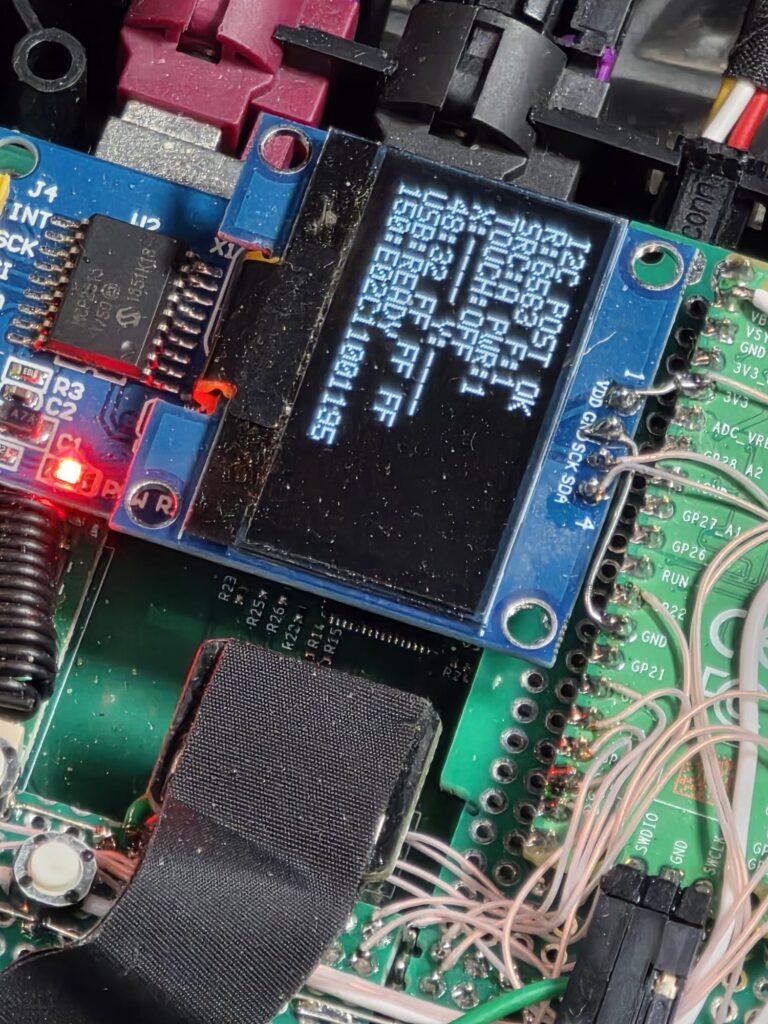
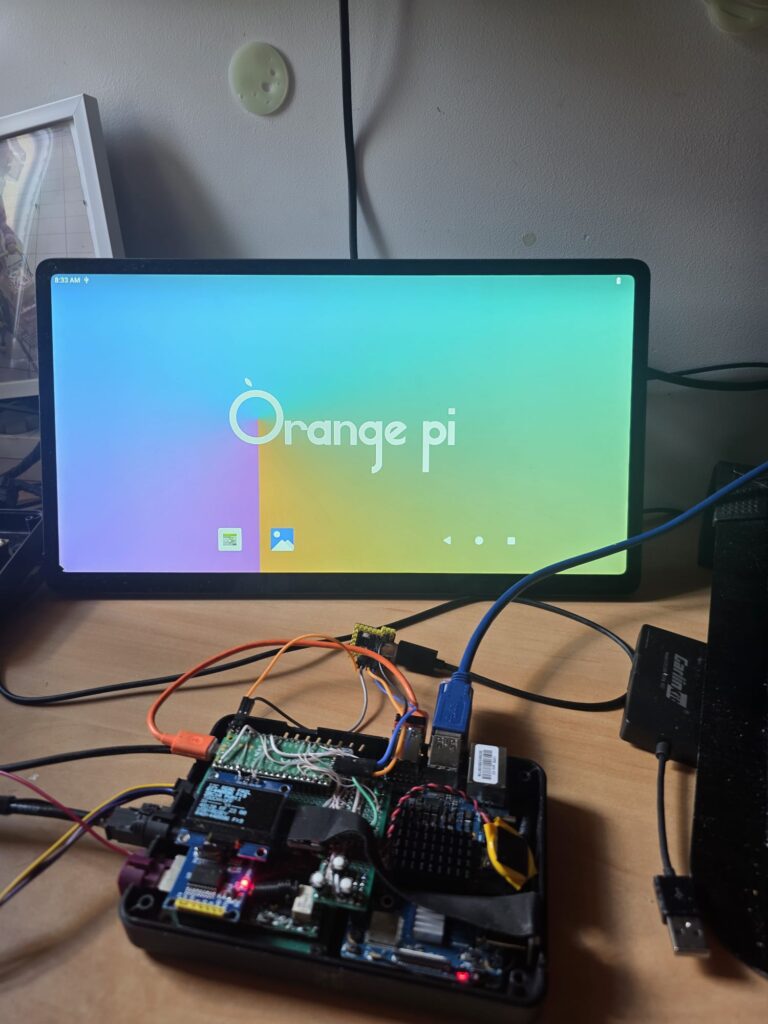
And final result of retrofit PCB:
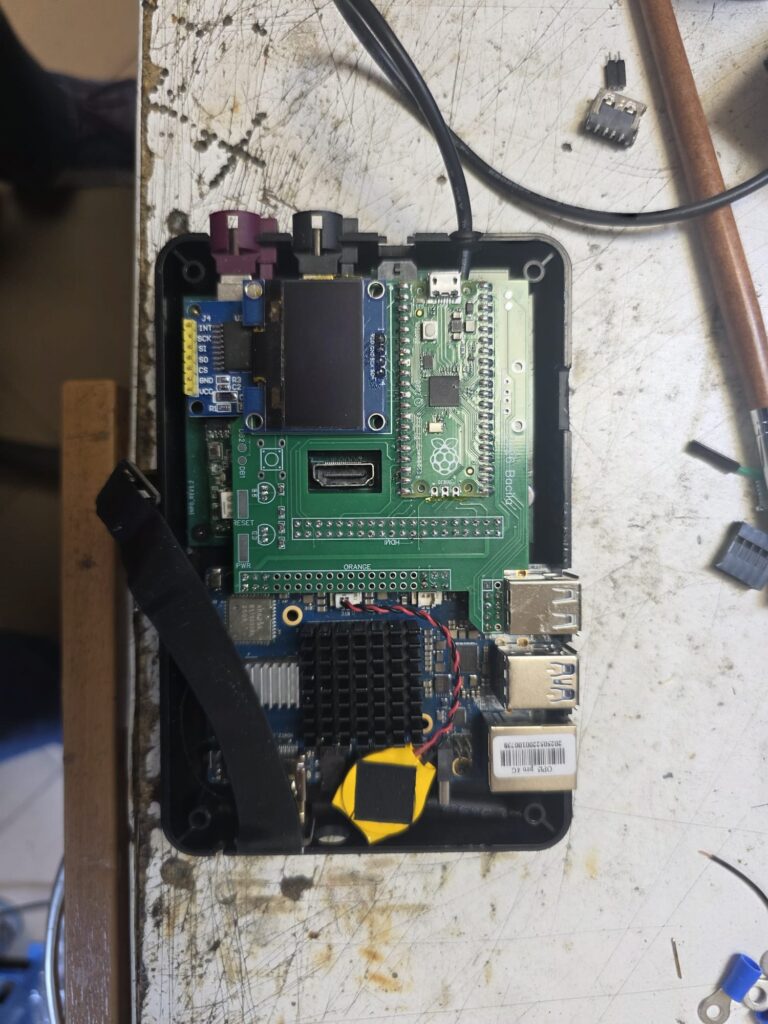
EVPLAY used china carplay/android auto controller (after retrofit it is not nessery becouse can install software solution for androidauto or carplay)